If you love League of Legends and want your champions to look unique, Mod Skin LOL is a game-changer. It lets you use custom skins without messing with your game files. The best part? It’s free and simple. I’m going to show you how to add skins step by step, plus some tips to make everything smooth.
What is Mod Skin LOL?
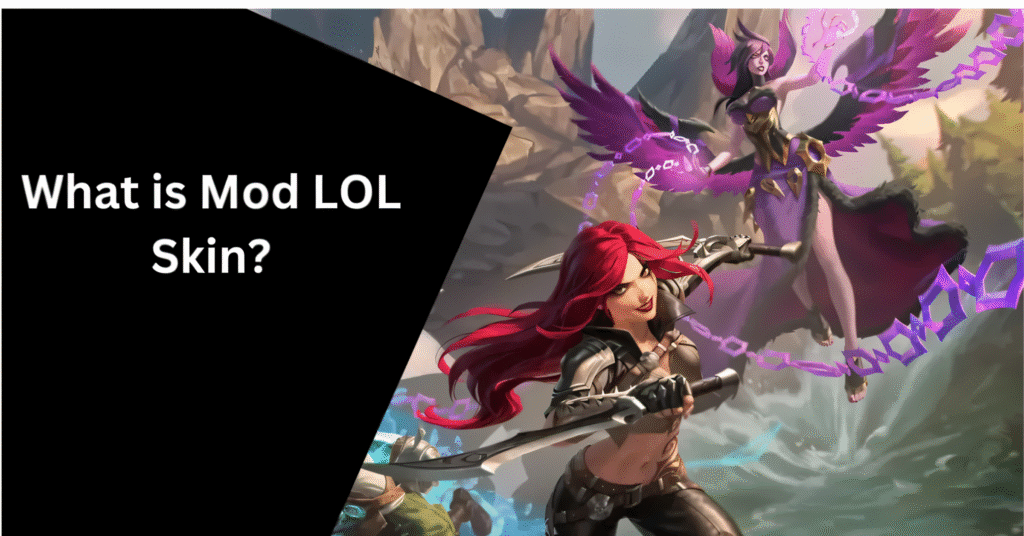
Mod Skin LOL is a third-party tool that allows you to use custom skins in League of Legends. Normally, Riot doesn’t let players change skins outside the store, but Mod Skin LOL fills that gap. Since it’s easy to use, even beginners can start customizing their champions in minutes.
Step-by-Step Guide to Adding Custom Skins
Here’s how you can get your favorite skins on your champions:
Download and Install Mod Skin LOL
Go to the official Mod Skin LOL website.
Download the latest version for your system.
Install it like any other program. Make sure your League of Legends client is closed during installation.
Open Mod Skin LOL
Launch the tool. You’ll see a list of champions and available skins.
You can also search for a specific champion if you have one in mind.
Add Custom Skins:
Click the “Add Custom Skin” button.
Choose the .skn file you downloaded. (These are the actual skin files created by the community.)
Assign the skin to your champion and click “Apply.”
Start the Game:
Open League of Legends.
Select your champion, and the new custom skin should appear in-game.
Tips for Using Mod Skin LOL Safely
Always backup your LoL files. Just in case something goes wrong.
Check for updates. Mod Skin LOL updates often to work with the latest LoL patches.
Avoid suspicious downloads. Only use skin files from trusted communities.
Restart the game if skins don’t appear. Sometimes it just needs a refresh.
Don’t use it in ranked without caution. Even though it’s mostly safe, some anti-cheat systems can be sensitive.
Open Mod Skin LOL
You can also search for a specific champion if you have one in mind.
Common Issues and Fixes
Sometimes things don’t go perfectly. Here’s what to do:
- Skins not showing? Restart your game and make sure the skin file is compatible with the current patch.
- Game crashes? Check if you downloaded the correct version of Mod Skin LOL and update it.
- Lag or FPS drops? Close unnecessary background apps and try lighter skin files.
Best Sources for Custom Skins

Finding safe and cool skins is important. Some trusted options:
- Official Mod Skin LOL community forums
- Verified Reddit threads
- Popular LoL skin websites
- Always avoid random links from unverified social media posts.
Why Custom Skins Make the Game More Fun
- Stand out in matches – Your friends will notice your cool new looks.
- Experiment with champions – See your favorite champ in a fresh style.
- Enjoy unique animations – Some skins even change particle effects or recalls.
FAQs
Final Words
Adding custom skins to Mod Skin LOL is simple, safe, and fun when you follow the right steps. With a little care, you can personalize your champions, stand out in matches, and enjoy a fresh LoL experience.