Custom skins are one of the most exciting aspects of Mod Skin LOL, allowing players to personalize their League of Legends experience. Whether you’re creating skins for yourself or sharing them with others, it’s a great way to enhance your gameplay. While Mod Skin LOL doesn’t offer a built-in sharing feature, there are plenty of ways to distribute your custom skins with the community. Whether you’re sharing with friends, posting in modding forums, or contributing to larger modding communities, you can easily share your skins and enjoy the creations of others. Let’s explore how to do it.
Sharing Custom Skins via File Sharing Platforms
One of the easiest ways to share custom skins is by uploading them to file-sharing services. This way, anyone with the link can download and install your custom skins into their game.
Steps:
Prepare Your Skin Files: Make sure your custom skin files are properly named and organized. You can also include a text file with installation instructions.
Upload to a File Sharing Service: Use trusted platforms like Google Drive, Dropbox, or OneDrive to upload your files. These services allow you to share files with ease.
Set Permissions: Ensure that the files are publicly accessible by setting the correct sharing permissions.
Share the Link: Once the files are uploaded, you can share the download link with others through social media, forums, or messaging platforms.
This method allows you to quickly share your skins with a wide audience, especially if you are part of online communities.
Sharing Custom Skins on Online Communities
Joining and participating in online communities dedicated to League of Legends modding is another great way to share your custom skins. Modding forums, subreddits, and Discord groups are filled with players who appreciate custom skins and enjoy exploring new designs.
Steps:
Join Relevant Communities: Find modding communities on platforms like Reddit (e.g., r/LoLcustom), Discord, or Runeforge.
Follow Community Guidelines: Ensure you follow any specific rules these communities have for sharing skins. Each platform may have its own requirements for skin submissions, like file formats or accompanying descriptions.
Post Your Skins: Share your skin files along with a brief description, including any changes made, the champion it’s for, and how to install it. Providing clear instructions will make it easier for others to enjoy your skins.
Engage with the Community: Be active in responding to feedback and interacting with other modders. This helps you grow your skills and gain exposure for your custom skins.
By sharing your creations in these communities, you contribute to the vibrant modding scene in League of Legends and help other players enjoy a personalized experience.
Using GitHub for Skins Distribution
If you’re comfortable with version control systems and want to share your custom skins more formally, GitHub is an excellent platform for collaboration and distribution. By contributing to public repositories, you can share your skins with modders and League of Legends players who are interested in downloading or improving them.
Steps:
Create a GitHub Account: If you don’t already have one, create an account on GitHub.
Find a Suitable Repository: Search for public repositories dedicated to League of Legends modding, such as the Dark Seal League of Legends Skins Repository.
Fork the Repository: Create a personal copy of the repository so you can upload your custom skins to it.
Add Your Skins: Upload your custom skin files and make sure they are well-organized in the appropriate directories. Include documentation and installation instructions.
Submit a Pull Request: If you want your skins to be integrated into the main repository, you can submit a pull request for review and potential inclusion.
By sharing your skins on GitHub, you can contribute to the development of the League of Legends modding community, making your creations accessible to everyone.
How to Provide Proper Installation Instructions for Your Skins
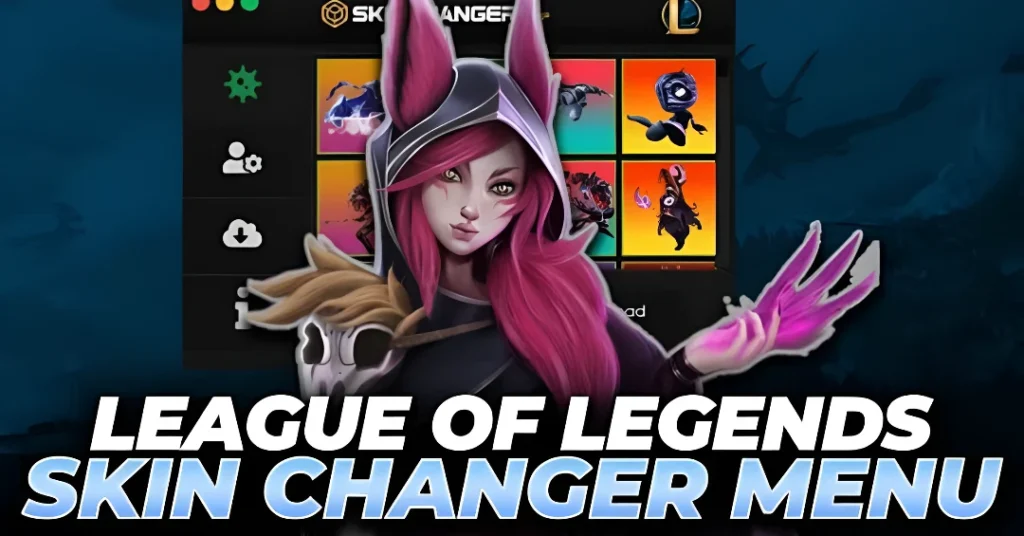
When sharing your custom skins, it’s crucial to include clear and easy-to-follow installation instructions. This ensures that other players can easily apply your skins and enjoy them without any issues.
Steps:
Provide Clear Steps: Make sure your instructions are simple, especially for players who may not be familiar with modding tools. Include the following details:
Where to download and extract the skin files.
Which folder to place the files in within the League of Legends directory.
Any additional steps, such as using Mod Skin LOL or another modding tool.
Include Troubleshooting Tips: If there are common issues players might face (e.g., skins not appearing or the game crashing), provide helpful troubleshooting tips.
Offer Visual Guides: If possible, include screenshots or video tutorials to guide players through the installation process.
By providing detailed installation instructions, you make it easier for others to enjoy your custom skins and reduce confusion.
Important Considerations When Sharing Custom Skins
Before sharing your custom skins, here are a few things to keep in mind:
Respect Riot’s Terms of Service: Custom skins should not violate Riot Games’ intellectual property. Ensure that the skins you create and share are original or appropriately credited.
Skin Compatibility: Make sure your custom skins are compatible with the latest League of Legends patches. If the game updates, your skins might need adjustments to remain functional.
Sharing Permissions: When sharing your skins, always check the permissions of the platform or forum you’re using. Ensure that you are following the community’s rules and guidelines for safe and responsible sharing.
FAQs
Final Words
Sharing custom skins with the Mod Skin LOL community is a fantastic way to showcase your creativity and contribute to the game’s modding scene. Whether you’re using file-sharing platforms, engaging in online communities, or contributing to GitHub repositories, there are plenty of ways to distribute your skins. Just be sure to follow the platform’s guidelines and respect Riot Games’ Terms of Service. With these steps, you can share your creations and enjoy the unique, personalized experience that Mod Skin LOL offers.