What Is Mod Skin LOL? A Beginner’s Guide Latest update 2025
If you’re looking to add some personal flair to your League of Legends experience, Mod Skin LOL could be just the tool for you. Released in 2015, this third-party application allows players to apply custom skins to their champions—something that the game itself doesn’t offer natively. Whether you’re looking to try out new looks for your favorite champions or just want to enjoy a more unique gameplay experience, Mod Skin LOL provides an easy and free way to do so. But before you dive in, it’s important to know how it works, its safety, and best practices for using it. In this article, we’ll guide you through everything you need to know, from how to install the tool to tips for getting the best out of it.
What Is Mod Skin LOL?
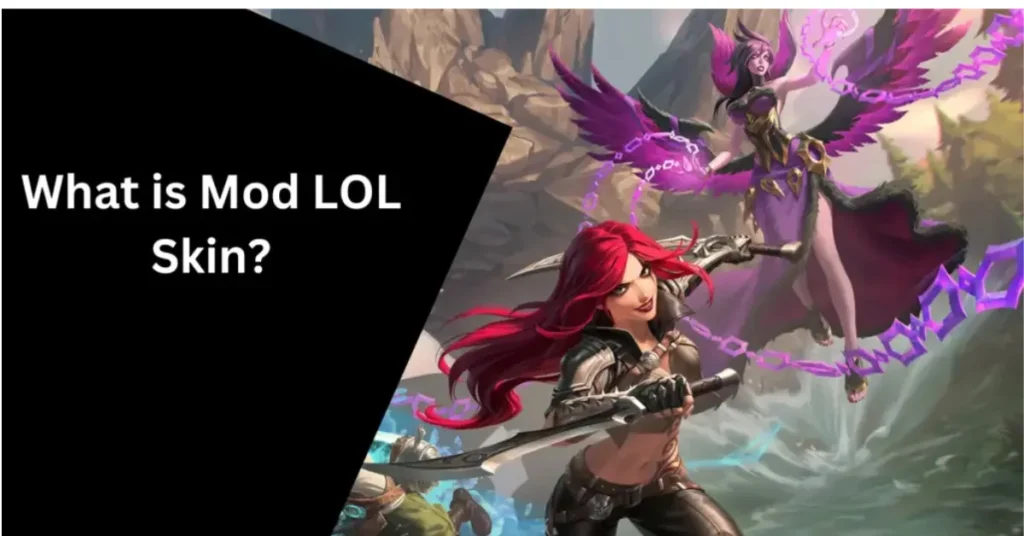
Mod Skin LOL is a third-party tool that lets you apply custom skins to your champions in League of Legends. Since Riot Games doesn’t offer a built-in way to use custom skins, Mod Skin LOL fills that gap by allowing players to personalize their champions with unique skins.
How Does It Work?
The tool works by replacing the default skin files with custom ones. These skins are purely cosmetic and only visible to you—your teammates and opponents won’t see them. This means it doesn’t give you any gameplay advantage, keeping the game fair for everyone.
How to Use Mod Skin LOL
Download the Tool: Visit a reputable site to download the Mod Skin LOL application.
Install and Launch: Follow the installation instructions provided on the website. Once installed, open the application.
Select Skins: Browse through the available skins and select the ones you want to apply.
Apply Skins: Click on the “Apply” button to inject the selected skins into your game.
Launch League of Legends: Open the League of Legends client, and the custom skins should be active.
Is It Safe to Use?
Using Mod Skin LOL is generally safe as long as you download it from a trusted source. Since the skins are only visible to you and don’t affect gameplay, the risk of getting banned is minimal. However, always be cautious and ensure you’re using the tool responsibly.
Tips for a Better Experience
Stick to Cosmetic Changes: Avoid using mods that alter gameplay mechanics or give you an unfair advantage.
Keep It Updated: Regularly check for updates to ensure compatibility with the latest game patches.
Backup Your Files: Before applying mods, back up your original game files to prevent any issues.
Use Trusted Sources: Only download Mod Skin LOL from reputable websites to avoid malware or other security risks.
What to Avoid
- Avoid Using Mods That Affect Gameplay: Mods that alter game mechanics can lead to account penalties.
- Be Wary of Untrusted Sources: Downloading from unofficial sites can expose your system to viruses or malware.
Can You Use Mod Skin LOL with Other Mods?
Yes, you can use Mod Skin LOL alongside other mods as long as they don’t interfere with gameplay. However, it’s best to keep your mod setup simple to avoid any conflicts that could cause crashes or glitches in your game.
Are There Any Risks to Using Mod Skin LOL?
While the tool itself doesn’t directly affect the game’s mechanics, using any third-party tool carries some inherent risk. Always be mindful of your account’s security, and consider using a backup or secondary account when experimenting with mods.
Mod Skin LOL Features to Check Out

Wide Variety of Skins: There are tons of custom skins available for many champions.
Easy Installation: The tool is simple to install and use, making it beginner-friendly.
Regular Updates: Mod Skin LOL is updated to be compatible with new patches of League of Legends.
FAQs
Final Words
Mod Skin LOL offers a fun way to personalize your League of Legends experience with custom skins. By following the steps above and using the tool responsibly, you can enjoy a fresh look for your champions without compromising your account’s safety.