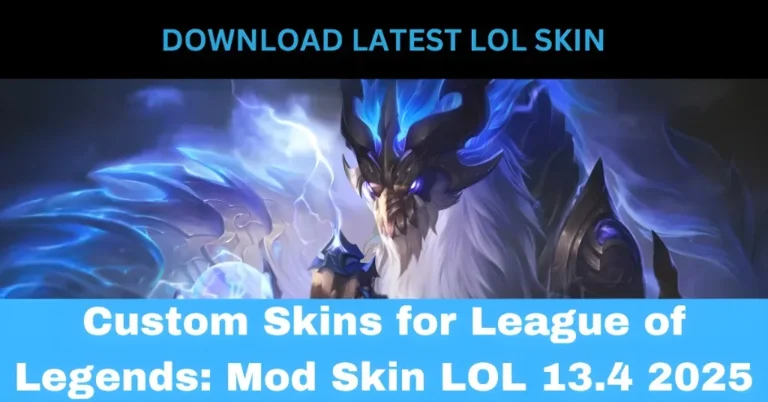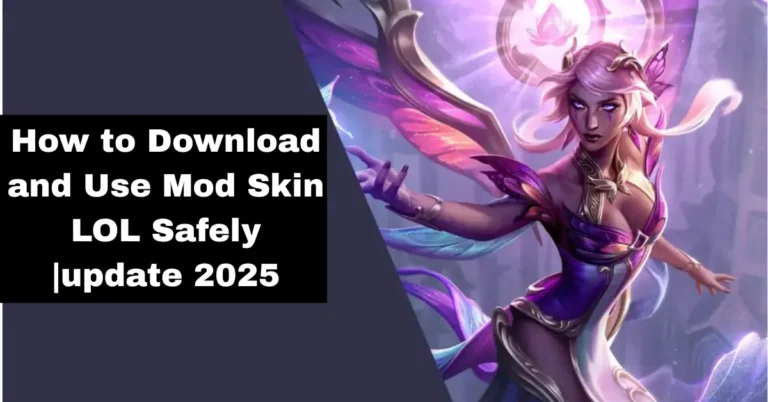
If you’re tired of the same old skins in League of Legends and want to give your champions a fresh, unique look, Mod Skin LOL 13.4 is the tool you need. This lightweight, third-party application allows you to apply custom skins to your champions without any hassle. Compatible with Windows 7, 8.1, and 10, and with a small file size of just 2.28 MB, it ensures minimal impact on your system’s performance.
What Is Mod Skin LOL?
Mod Skin LOL 13.4 is a third-party tool that enables players to apply custom skins to their League of Legends champions. Unlike official skins, which must be purchased through the in-game store, Mod Skin LOL provides access to a variety of free, community-created skins. This tool is widely used across the globe, including in regions such as the Philippines, North America, Brazil, Europe, and Russia.
How to Install and Use Mod Skin LOL
Download the Application: Obtain the latest version of Mod Skin LOL 13.4 from a trusted source.
Install the Application: Extract the ZIP file and run the LOLSKIN.exe file as an administrator to launch the application.
Select Your Champion: Inside the application, choose the champion you wish to customize.
Browse and Apply Skins: Explore the available skins and select the one you want to apply. Click the “Apply” button to immediately see the changes in-game.
Enable Auto Mod Skin: To automatically apply your chosen skins every time you launch the game, check the “Auto Mod Skin” option.
Tips for Discovering Unique Skins
Join forums like Runeforge to discover unique and fan-made skins.
Explore repositories like darkseal-org/lol-skins for a wide variety of champion skins.
Tools like CSLOL Manager can help you manage and apply custom skins more efficiently.
Important Considerations
No Impact on Gameplay: Custom skins are purely cosmetic and do not affect gameplay mechanics.
Temporary Changes: Skins applied using Mod Skin LOL are temporary and will revert to default skins once the game is restarted.
Potential Risks: Using third-party tools always carries some risk. While Mod Skin LOL is generally safe, it’s essential to be cautious and aware of the potential consequences.
Exploring the Mod Skin LOL Community
The Mod Skin LOL community is vast and vibrant, filled with players sharing their unique custom skin designs. Whether you’re a modder looking for inspiration or a player searching for the latest skins, community forums and platforms can be valuable resources. Engaging with other players not only opens up a world of new skin ideas but can also help you connect with modders who create exclusive content. From skin contests to new releases, the Mod Skin LOL community is always buzzing with new creative skins to enhance your gameplay experience.
How to Organize and Manage Your Custom Skins
After unlocking the most unique skins with Mod Skin LOL, it’s important to keep them well-organized. Use tools like Skin Managers to help you easily browse, apply, and even remove skins as needed. Alternatively, you can create a dedicated folder on your PC for storing custom skins. This will allow you to quickly swap between skins without confusion and ensure that all your downloaded skins are accessible when needed. Keeping things organized helps maintain a smooth experience and prevents any mess in your game files.
FAQs
Final Words
Unlocking unique skins with Mod Skin LOL 13.4 is an exciting way to personalize your League of Legends champions. It allows you to add a unique touch to your gameplay without spending any money. By following the simple steps above, you can easily apply custom skins and enjoy a fresh look for your champions. Remember to use third-party tools responsibly, and always download from trusted sources to protect your system. Happy gaming, and may your champions always look their best!