How to Use Mod Skin LOL in League of Legends Latest Update
Ever wanted to spice up your League of Legends experience with custom skins? Mod Skin LOL is a popular tool that lets you do just that—without any complicated processes. This guide will walk you through the steps to install and use Mod Skin LOL safely and effectively.
What You’ll Need
Before diving in, make sure you have:
CSLOL Manager: A free, open-source tool for managing custom skins.
Custom Skin Files: These are the skins you want to use, typically in .zip or .fantome formats.
.NET Runtime: Required for CSLOL Manager to function properly.
Step-by-Step Installation
Download and Install CSLOL Manager
Visit a reputable site to download CSLOL Manager.
Run the installer and follow the on-screen instructions.
Obtain Custom Skin Files
Browse trusted sources for custom skins.
Download the skin files you desire.
Launch CSLOL Manager
Open CSLOL Manager.
Click on “Add Mod” and select the downloaded skin file.
The tool will inject the skin into your League of Legends directory.
Launch League of Legends via CSLOL Manager:
To ensure the custom skins load correctly, always start League of Legends through CSLOL Manager.
Click “Run” in CSLOL Manager to launch the game.
Enjoy Your Custom Skins
Once in-game, select the champion with the custom skin applied.
Enjoy your personalized League of Legends experience!
Important Considerations
Visual Only: Custom skins are purely cosmetic and do not affect gameplay.
Single-Player Visibility: Only you can see the custom skins; other players will see the default skins.
Safety First: Always download tools and skins from reputable sources to avoid malware.
Legal Note: Using custom skins is against Riot Games’ Terms of Service. Use them at your own risk.
Troubleshooting Tips for Mod Skin LOL
Even though Mod Skin LOL is easy to use, there can be some hiccups. Here are a few troubleshooting tips:
Game Crashes: If your game crashes after applying a skin, make sure you’re using the correct version of CSLOL Manager for your game version.
Skin Not Showing: If the skin isn’t appearing, double-check if the skin file is correctly loaded into CSLOL Manager.
Compatibility Issues: Sometimes, skins may not work after a new game update. Ensure your skins are updated or compatible with the latest patch.
Tips for a Smooth Experience
Before installing custom skins, back up your game files to prevent any potential issues.
Applying multiple skins to the same champion can cause glitches.
: Regularly check for updates to CSLOL Manager and your custom skins to ensure compatibility with the latest game patches.
Additional Ways to Customize Your League of Legends Experience
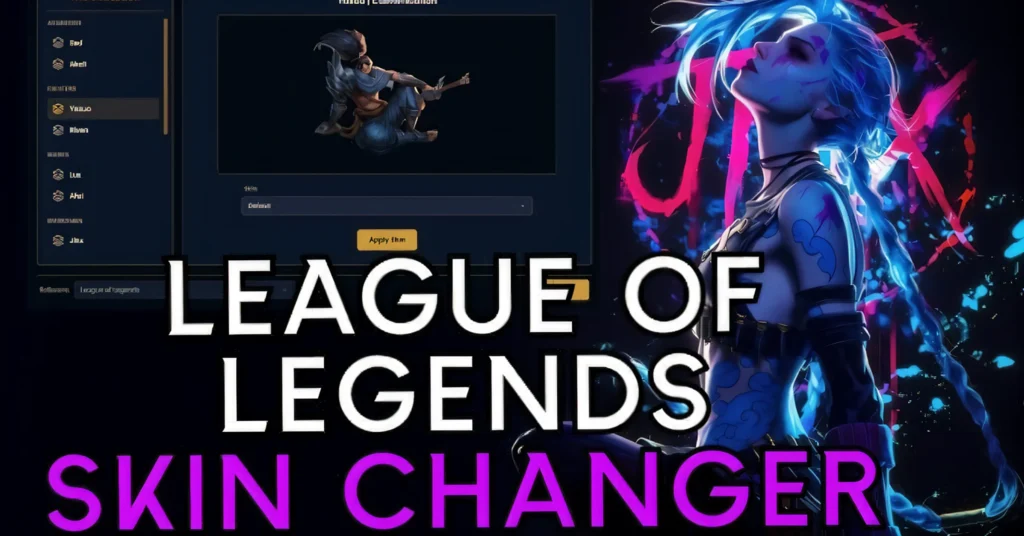
While Mod Skin LOL is a great tool, there are other ways you can enhance your gameplay:
Custom Sound Packs: You can add custom sound effects to champions or events in the game for a more immersive experience.
HUD Customization: Some tools allow you to adjust your HUD layout, making it easier to view the game elements that matter most to you.
Champion Skins from Mods: Explore websites that offer free custom skins and work on new skin designs for specific champions.
FAQs
Final Words
Using Mod Skin LOL can be a fun way to personalize your League of Legends experience without any complicated setup. Just follow the easy steps, and you’ll be able to enjoy a whole new look for your favorite champions. Remember to prioritize safety and be aware of the potential risks associated with third-party tools. Most importantly, keep things fun, and don’t forget that custom skins are for visual enjoyment, not competitive advantage!