If you’re looking to personalize your League of Legends champions without spending money, Mod Skin is a popular third-party tool that allows you to apply custom skins effortlessly. This version, Mod Skin LOL 13.4, provides an enhanced experience for players seeking to customize their in-game appearance. In this article, we’ll explore how to get free skins for League of Legends using Mod Skin, the potential risks, and best practices for safe use.
What Is Mod Skin?
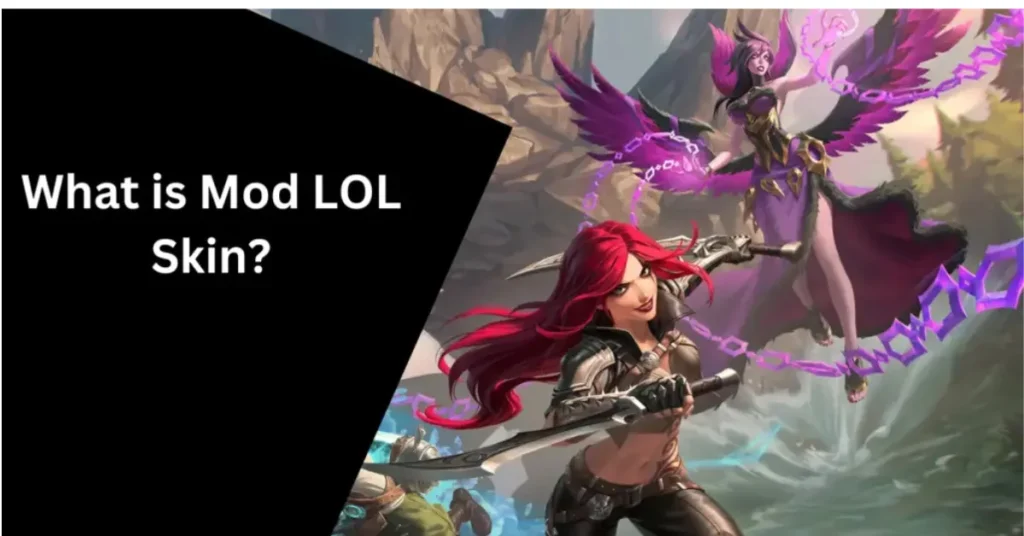
Mod Skin is a lightweight application that enables players to inject custom skins into their League of Legends client. Since League of Legends doesn’t natively support custom skins, Mod Skin fills this gap by providing a straightforward and free way to personalize your champions. The tool is compatible with Windows 7, 8.1, and 10, and has a small file size of just 2.28 MB, ensuring minimal impact on system performance.
Top Features of Mod Skin LOL 13.4
Extensive Skin Library: Access a vast collection of custom skins for nearly every champion, ranging from simple recolors to fully designed skins that completely change the appearance of your champion.
No Impact on Gameplay: Only alters the visual appearance of champions; does not affect gameplay mechanics or provide any gameplay advantages.
User-Friendly Interface: Designed to be intuitive, making it easy for players to apply skins without technical knowledge.
Lightweight and Efficient: Small file size ensures minimal impact on system performance.
Regular Updates: Frequently updated to maintain compatibility with the latest League of Legends patches.
Risks and Considerations
While Mod Skin offers many benefits, it’s important to be aware of the potential risks:
Account Safety: Using third-party tools like Mod Skin can violate Riot Games’ Terms of Service, potentially leading to account penalties.
Security Concerns: Downloading Mod Skin from unofficial sources can expose your computer to malware and other security threats.
Compatibility Issues: After each major League of Legends patch, Mod Skin users have reported various issues such as custom skins not appearing or the tool failing to load correctly.
How to Download and Use Mod Skin LOL 13.4
Download the Tool: Visit a trusted website to download the latest version of Mod Skin.
Extract the Files: Once downloaded, extract the ZIP file to a folder on your computer.
Run the Application: Navigate to the extracted folder and right-click on the LOLSKIN.exe file. Select “Run as Administrator” to launch the application.
Launch League of Legends: Start the League of Legends client as you normally would.
Select Your Champion: In the Mod Skin LOL interface, choose the champion you want to customize.
Apply a Custom Skin: Browse through the available skins and select the one you wish to apply.
Enable Auto Mod Skin: Check the “Auto Mod Skin” option to automatically apply the skin each time you play.
Enter the Game: Click “Apply”, then proceed to the game to enjoy your new champion skin.
Where to Find Custom Skins for Mod Skin LOL
To get the best and safest custom skins, make sure you use reputable sources:
- Offers a wide variety of custom skins for many champions.
- A community-maintained repository featuring skins and chromas compatible with custom skin applications.
- Provides a collection of custom skins and tools for League of Legends.
Troubleshooting Common Issues with Mod Skin
If you’re having trouble with Mod Skin or your custom skins are not appearing in-game, try the following troubleshooting steps:
Check for Updates: Make sure both Mod Skin and League of Legends are up-to-date. Updates help maintain compatibility with the latest patches.
Reinstall Mod Skin: If the tool is malfunctioning, uninstall and reinstall it to resolve potential issues with the software.
Clear Cache and Restart: Sometimes, custom skins may not load properly due to cache corruption. Clear the cache and restart both Mod Skin and League of Legends.
Test in Custom Games: Always test custom skins in custom or normal games to ensure they work before entering ranked matches.
FAQs
Final Words
Mod Skin offers a simple and free way to personalize your League of Legends champions with custom skins. While it enhances the visual appeal of the game, it’s crucial to be aware of the potential risks associated with using third-party tools. Always download from trusted sources, keep your tools updated, and use them responsibly to ensure a safe and enjoyable gaming experience.