If you’re looking to enhance your League of Legends experience with custom skins, Mod Skin LOL 13.4 is a great tool to consider. It allows players to apply custom skins to their champions, making the game visually unique without affecting gameplay. In this guide, we’ll walk you through the entire process of downloading, installing, and using Mod Skin LOL 13.4 safely.
What Is Mod Skin LOL 13.4?
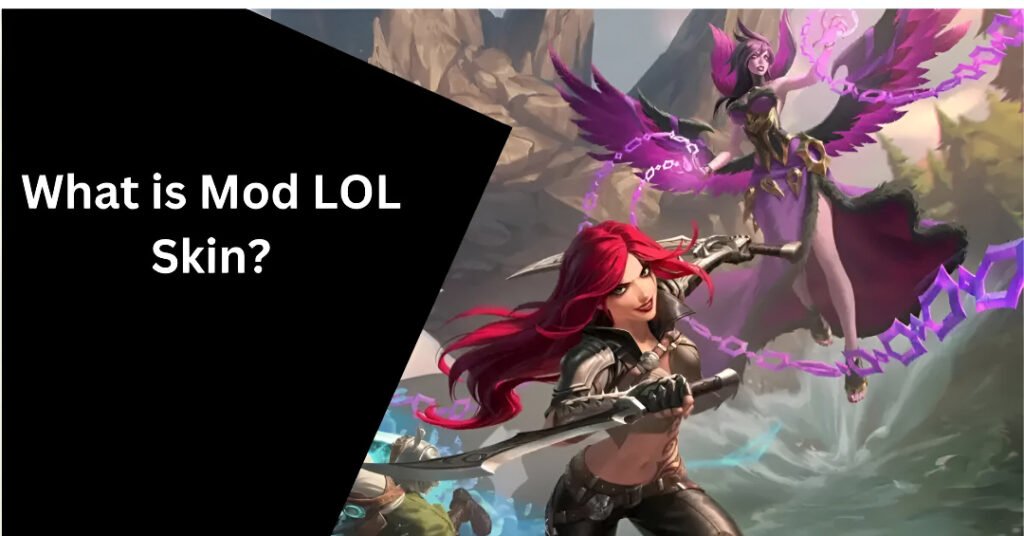
Mod Skin LOL 13.4 is a third-party tool that enables players to customize the appearance of their champions in League of Legends. Since Riot Games doesn’t support custom skins directly, Mod Skin LOL fills the gap by providing an easy and free way for players to personalize their champions with skins not available in the game’s official store.
Mod Skin LOL is compatible with Windows 7, 8.1, and 10, and it has a small file size of 2.28 MB, ensuring minimal impact on your system’s performance.
Where to Download Mod Skin LOL 13.4 Safely?
Before you download Mod Skin LOL 13.4, it’s crucial to ensure you’re downloading it from a trusted source to avoid malware and other security risks. Here are the safest options:
Official Websites: The best and safest place to download Mod Skin LOL 13.4 is from a trusted official website or well-known community-driven forums. Always avoid third-party websites that seem untrustworthy.
Gaming Forums: Trusted League of Legends community forums and subreddit groups like r/LoLcustom can be good sources for downloading Mod Skin LOL 13.4, as long as they link to secure and reputable download sites.
Runeforge or Skin Empire: These platforms host a variety of custom skins and mods, and they are typically safe for downloading. However, always double-check that the website is reputable and free of malware.
How to Download Mod Skin LOL 13.4
Follow these simple steps to download Mod Skin LOL 13.4 to your PC:
Step 1: Find a Trusted Source
Ensure you are downloading from a reputable source like loolskin.com or Runeforge. These sources provide safe downloads for the Mod Skin LOL tool.
Step 2: Click the Download Button
Once you’ve found a trusted website, look for the “Download” button or link for Mod Skin LOL 13.4. Be cautious when clicking on any links and make sure the site is secure (look for “https://” in the URL).
Step 3: Choose the Correct Version
Ensure that you are downloading the latest version of Mod Skin LOL (13.4) to guarantee compatibility with the latest League of Legends patches.
Step 4: Complete the Download
Click on the download link, and your browser will begin downloading a ZIP file containing Mod Skin LOL. Make sure to note where the file is being saved on your PC for easy access.
How to Install Mod Skin LOL 13.4
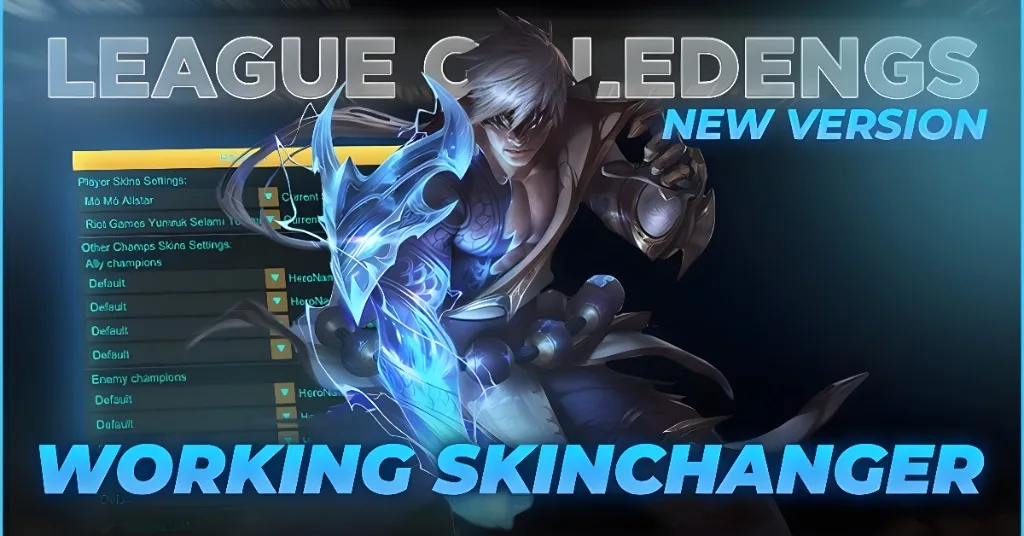
Once the file is downloaded, you can begin the installation process:
Extract the Files
Right-click the downloaded ZIP file and select “Extract All”.
Choose a folder to extract the files into (preferably one where you can easily access them).
Run the Application as Administrator
After extracting the files, locate the LOLSKIN.exe file in the folder.
Right-click on LOLSKIN.exe and select “Run as Administrator” to ensure that the tool has the necessary permissions to make changes to League of Legends.
Browse Custom Skins
After selecting your champion, browse through the available custom skins. You’ll find skins for almost every champion, ranging from simple recolors to fully designed skins.
Apply the Skin
Once you’ve selected the skin you want to use, click the “Apply” button. The skin will automatically be applied to your champion for that match.
Enable Auto Mod Skin (Optional)
If you want the skin to be applied automatically every time you play that champion, check the “Auto Mod Skin” box. This will save you time and ensure the skin is always active when you play that champion.
Enjoy the New Look
Once you’ve applied the custom skin, simply enter your game and enjoy the new, personalized look of your champion
Important Tips for Using Mod Skin LOL
Don’t Use Mod Skin LOL in Ranked Matches: Although the skins don’t affect gameplay, using third-party tools like Mod Skin LOL in ranked games can lead to penalties. Stick to normal or ARAM games to be safe.
Backup Your Game Files: Always back up your League of Legends game files before applying custom skins. This will allow you to revert to the original skins if anything goes wrong.
Use a Smurf Account: If you’re concerned about potential penalties, consider using Mod Skin LOL on a smurf account rather than your main account.
Download from Trusted Sources: Always ensure you are downloading Mod Skin LOL from secure, reliable websites to avoid malware and viruses.
FAQs
Final Words
Mod Skin LOL 13.4 is an excellent tool for customizing your League of Legends champions with custom skins. Whether you want to make your favorite champion stand out with unique visuals or just add a little flair to your gameplay, Mod Skin LOL offers an easy and free way to do it.
Always be cautious when using third-party tools and download them from trusted sources. Keep your account safety in mind, especially when using Mod Skin LOL in non-competitive settings like normal or ARAM games.