For League of Legends players looking to personalize their in-game champions with custom skins, Mod Skin LOL is a popular choice. However, it’s not the only tool available. If you’re seeking alternatives, there are several other options that allow you to enjoy unique skins, with each offering different features, ease of use, and safety considerations. This guide will explore the top alternatives to Mod Skin LOL that can enhance your game with custom skins, giving you more freedom and flexibility.
CSLOL Manager
CSLOL Manager is one of the top alternatives to Mod Skin LOL. It’s an easy-to-use, open-source tool that allows you to inject skins into League of Legends without much hassle.
Dark Seal’s LoL Skins Repository
If you prefer a more community-driven approach, Dark Seal’s LoL Skins Repository is a fantastic option. It provides a collection of skins, chromas, and other cosmetic items that can be manually installed into League of Legends.
- Key Features:
- Extensive library of skins and chromas.
- Skins are available in
.zipformat for manual installation. - Regular updates with new skins and community support via Discord.
- Compatible with various skin injection tools.
- Safety: This repository is open-source and maintained by the community. The skins themselves are generally safe, but users should always verify the skin injection tool they’re using to avoid potential issues.
Runeforge
Runeforge is another great tool for League of Legends players. It offers custom skins, champions, and even map mods for a complete overhaul of your game.
- Key Features:
- A wide range of mods, including skins and maps.
- Integration with CSLOL Manager for easy installation.
- Active community with regular updates.
- Safety: Runeforge is secure and partners with trusted sources for mods. However, it’s still essential to verify the mods you download to ensure their authenticity.
Exalted by Dark Seal
For those who want a premium skin management experience, Exalted by Dark Seal is a powerful tool that integrates well with other skin tools.
- Key Features:
- One-click skin injection for easy application.
- Automatic catalog updates.
- Custom map integration and a “party mode” feature to showcase friends’ skins.
- Modern, intuitive user interface.
- Safety: Exalted is developed by a trusted name in the custom skin community. It’s safe to use, provided you download it from the official sources.
R3nzSkin
R3nzSkin was once a popular skin changer for League of Legends but has been archived due to compatibility issues with Riot’s anti-cheat system. While it allowed users to change skins for champions, towers, and more, it is no longer supported.
- Key Features:
- In-game skin customization.
- Support for various game elements like champions and towers.
- Configuration with ImGui for advanced users.
- Safety: Since R3nzSkin is no longer supported, it’s not recommended for use. It may not work with the latest patches of League of Legends and could cause issues with the game.
Comparison Table
| Tool | Supported Formats | Integration with CSLOL Manager | Manual Installation | Regular Updates | Safety Level |
|---|---|---|---|---|---|
| CSLOL Manager | .fantome, .zip | Yes | Yes | Yes | High |
| Dark Seal Repository | .zip | Yes | Yes | Yes | High |
| Runeforge | Various | Yes | Yes | Yes | High |
| Exalted | .zip | Yes | Yes | Yes | Very High |
| R3nzSkin (Archived) | Various | No | Yes | No | Low |
How to Install Custom Skins with These Tools
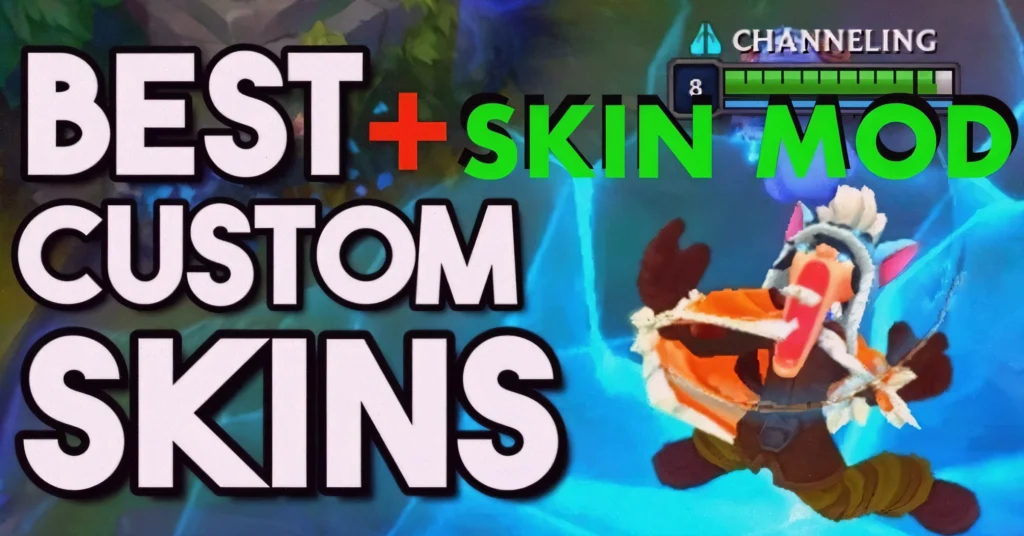
The installation process for custom skins varies depending on the tool you choose. However, most of these tools follow a similar procedure:
Download the Tool: Visit the official website or repository of the tool you’ve chosen (e.g., CSLOL Manager, Dark Seal’s Repository, etc.).
Download Skins: Browse through available skins, and download the ones you want to install.
Install the Skin Tool: Extract the tool and follow the installation instructions.
Apply the Skin: Use the tool’s interface to choose the skins you want to use and apply them to your champions in League of Legends.
Enjoy: After applying the skins, launch League of Legends and enjoy your custom skins!
FAQs
Final Words
Customizing your League of Legends champions with unique skins can make your gaming experience more enjoyable and visually appealing. While Mod Skin LOL is a popular tool for this, there are several other reliable alternatives available, such as CSLOL Manager, Runeforge, and Exalted, each offering distinct features and safety considerations. Whether you prefer automatic skin injections or manual installation, these tools provide ample options for personalizing your champions.
As always, ensure you download these tools from trusted sources, and avoid using custom skins in ranked matches to comply with Riot Games’ Terms of Service.